
Picture this: You’re at 47% battery at 2 PM, frantically calculating whether your phone will survive until you get home. Sound familiar? You’re definitely not alone. In our hyper-connected world, battery anxiety has become as real as any other modern stress – that sinking feeling when your lifeline to the digital world starts dying.
But what if I told you that your smartphone is actually a sophisticated piece of technology that’s constantly making thousands of micro-decisions about power consumption? And more importantly, what if you could influence those decisions to squeeze every last drop of juice from your battery?
The Hidden Battery Drain Culprits You Never Suspected
Your Screen is an Energy Vampire
Here’s a shocking fact: your display consumes up to 50% of your total battery power. That gorgeous OLED screen with millions of pixels isn’t just showing you TikTok videos – it’s literally burning through energy with every swipe, scroll, and notification light-up.
Modern smartphones are getting smarter about this, though. AI-powered adaptive brightness doesn’t just adjust to ambient light anymore; it learns your preferences and anticipates your needs. Some phones now use ambient light sensors combined with machine learning algorithms to predict when you’ll need a brighter screen before you even realize it yourself.
The App Background Orchestra
While you’re consciously using Instagram, dozens of other apps are throwing a silent party in the background. Background app refresh is like having multiple TV channels running simultaneously – even if you’re only watching one, they’re all consuming power.
The latest iOS and Android versions use sophisticated app usage prediction models to determine which apps you’re likely to use next, keeping those ready while putting others into deeper sleep states. It’s like having a personal assistant who knows your daily routine better than you do.
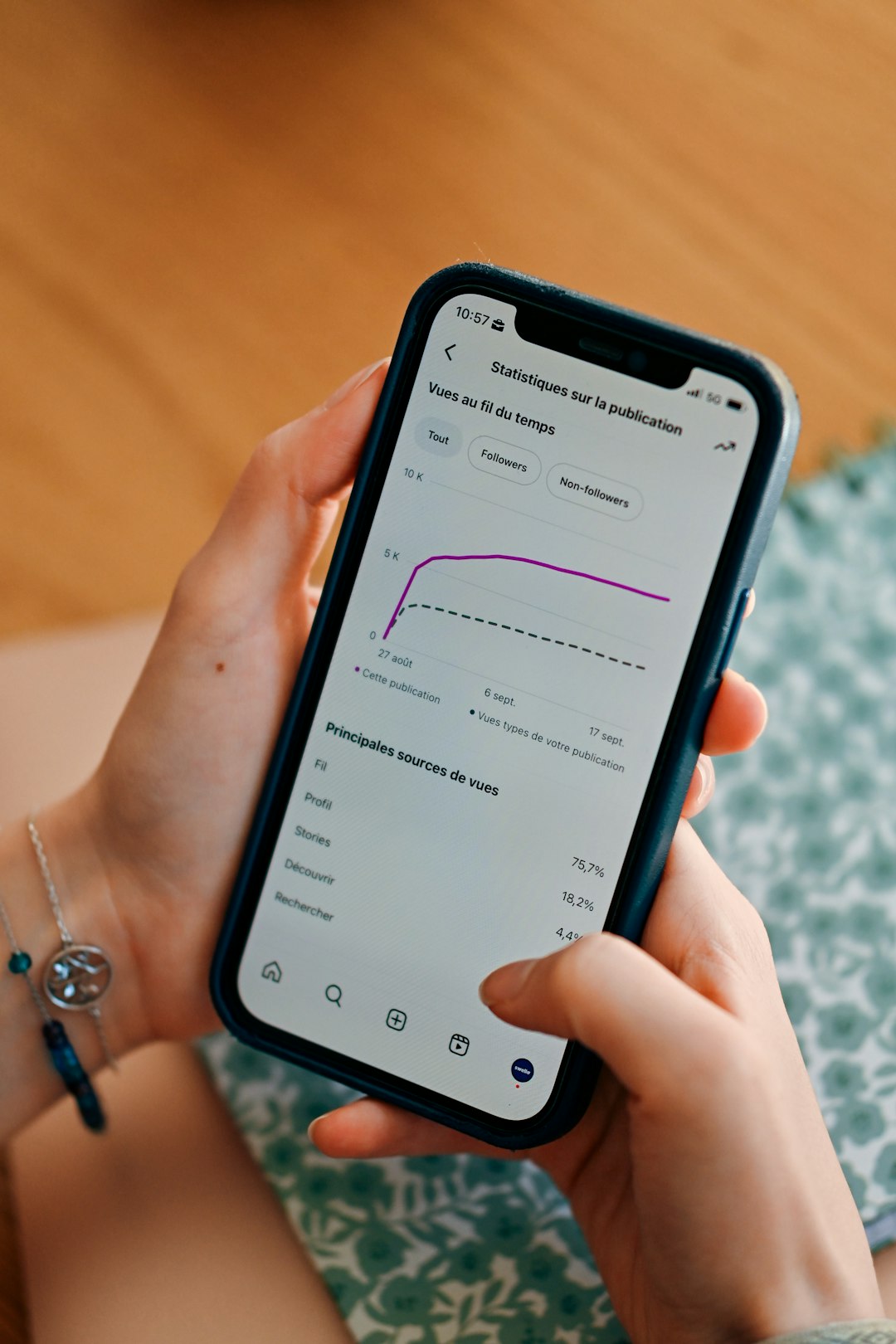
How AI is Revolutionizing Battery Management
Smart Battery Learning
Your phone is essentially conducting a 24/7 study on your behavior. Adaptive battery technology uses machine learning to analyze your usage patterns, identifying which apps you rely on and which ones are just digital clutter.
For example, if you always check email first thing in the morning, your phone will ensure the mail app gets priority power allocation during your typical wake-up window. But that game you downloaded six months ago and opened twice? It gets the digital equivalent of the cold shoulder.
Predictive Power Management
The most advanced smartphones now feature predictive algorithms that can forecast your battery needs based on your calendar, location, and historical usage. Going on a long flight? Your phone might automatically suggest enabling power-saving mode. Have a busy day of back-to-back meetings? It’ll optimize background processes accordingly.
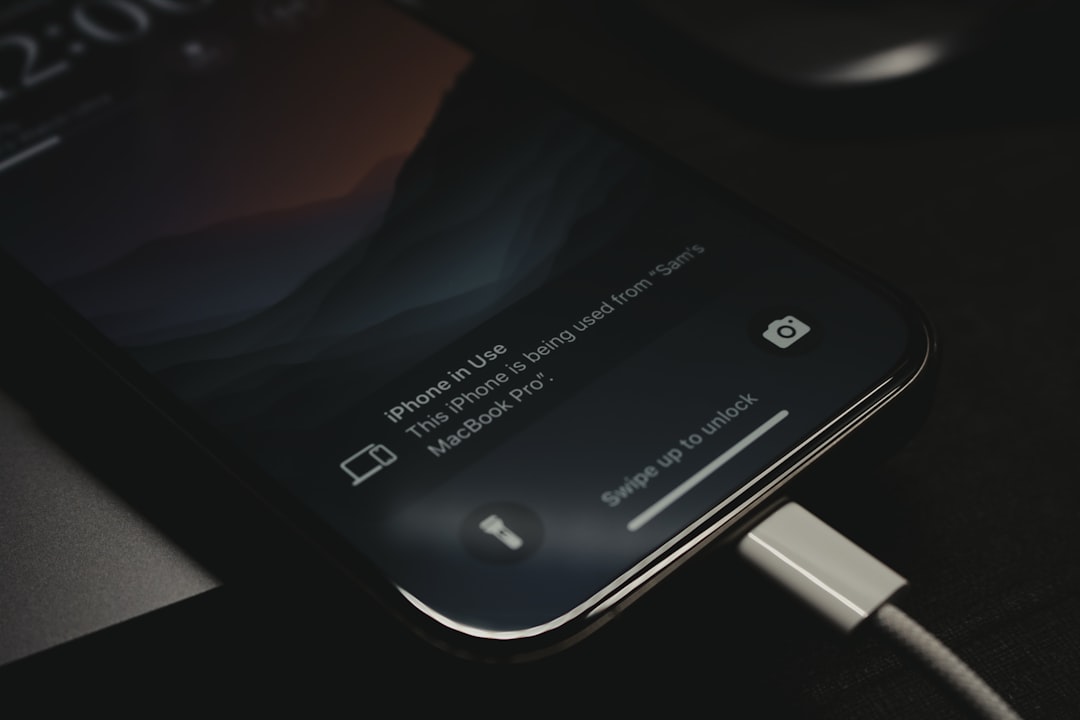
The Dark Mode Revolution: More Than Just Easy on the Eyes
Here’s where things get scientifically interesting. Dark mode isn’t just a trendy aesthetic choice – it’s a legitimate power-saving strategy, but only if you have an OLED display.
OLED (Organic Light-Emitting Diode) screens work by lighting up individual pixels. When a pixel displays black, it’s actually completely turned off, consuming zero power. A Google study found that dark mode can save up to 60% of screen power when your brightness is at maximum levels.
But here’s the catch: if you have an older LCD screen, dark mode won’t save you any battery at all. LCD screens use a backlight that stays on regardless of what colors are displayed.
Temperature: The Silent Battery Killer
Your battery is basically a chemical reaction in a box, and like all chemical reactions, temperature dramatically affects its performance. Most people know that extreme cold kills batteries, but fewer realize that heat is actually the bigger long-term enemy.
Modern smartphones include thermal management systems that use AI to predict temperature spikes and proactively reduce performance to prevent overheating. Your phone might slow down during intensive gaming sessions not to annoy you, but to protect its own battery health.
5G: The Double-Edged Sword
5G connectivity is incredibly fast, but it’s also incredibly hungry for power. However, the relationship is more nuanced than “5G = bad for battery.” 5G can actually save battery when downloading large files because it completes tasks faster, allowing your phone to return to low-power states sooner.
The key is in the implementation. Newer smartphones use dynamic network switching, automatically jumping between 4G, 5G, and WiFi based on signal strength, data needs, and battery levels.
Your 7-Day Battery Optimization Action Plan
Ready to transform your phone into a battery endurance champion? Here’s your week-by-week guide:
Day 1-2: The Audit
– Check your battery usage stats in Settings
– Identify your top 3 battery-draining apps
– Enable adaptive brightness and dark mode (if you have OLED)
Day 3-4: The Configuration
– Turn off background app refresh for non-essential apps
– Disable location services for apps that don’t need them
– Set up Do Not Disturb schedules to reduce nighttime wake-ups
Day 5-6: The Optimization
– Enable Low Power Mode proactively when you hit 50%
– Use WiFi instead of cellular data whenever possible
– Turn off unnecessary notifications and widgets
Day 7: The Advanced Moves
– Calibrate your battery by fully draining and charging it
– Clean up your phone storage (low storage forces your CPU to work harder)
– Consider using airplane mode in areas with very poor cellular signal
Bonus Pro Tip: Your charging habits matter too. Keeping your battery between 20-80% rather than constantly charging to 100% can significantly extend its overall lifespan.
The future of smartphone batteries isn’t just about bigger capacity – it’s about smarter, AI-driven power management that learns from your life and adapts accordingly. Your phone is already more intelligent about power than you might think; now you just need to work with it, not against it.